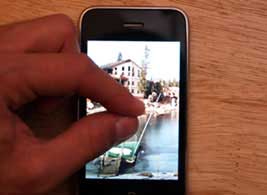
Cropping photos on the iPhone is easier than you think. You can crop photos on your iPhone in a matter of seconds without having to download any apps.
Here’s how:
- Go to the photo you want to crop in the Photos app.
- Pinch to zoom into the photo as much as you’d like.
- Finally, perform a screen capture by simultaneously pressing the on/off button and the Home button.
Your cropped photo will now appear in your photo album.